Terrain and water depth files for your Cricut or Silhouette
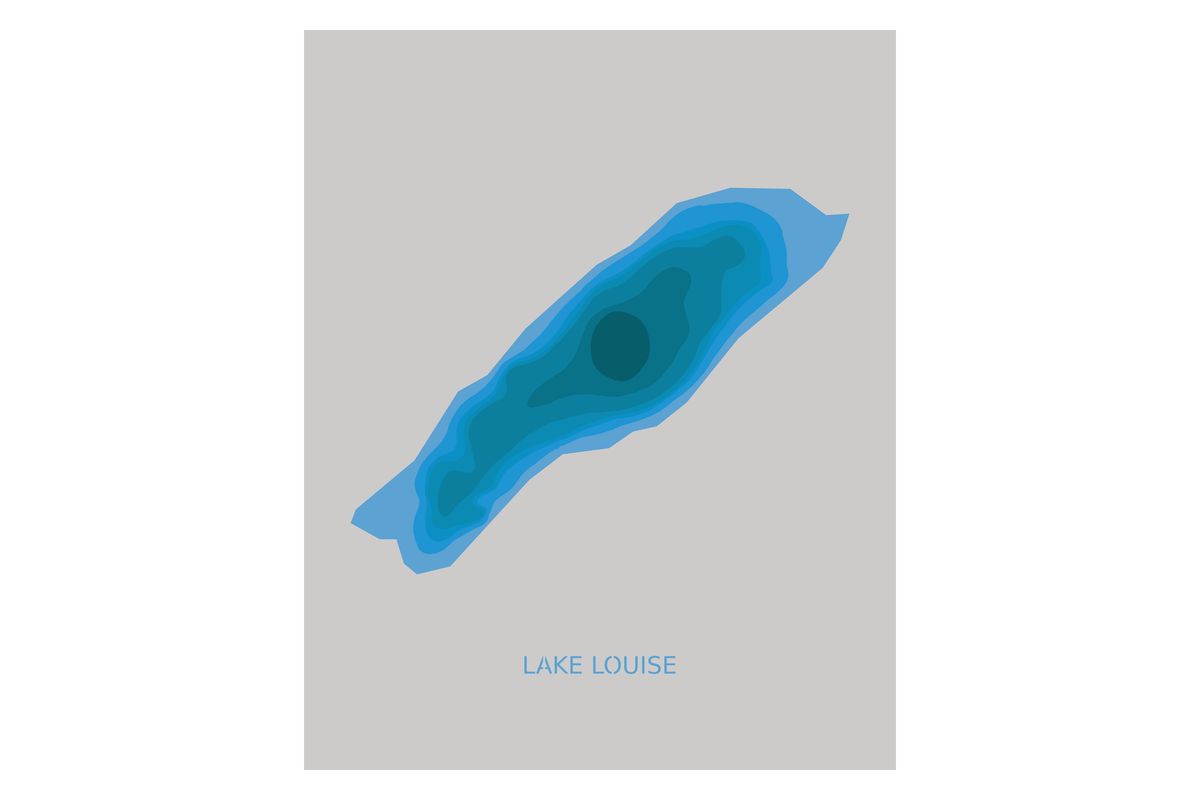
Cut a lake from cardstock, one layer per depth, and stack it in a frame. By default that is 8 layers at 203 x 254 mm (8 x 10 in). A lake is $5, one time.
What you get
- Cut file, SVGEvery layer in one file, for Cricut Design Space. It keeps its size, each layer stays whole, and each color goes on its own mat.
- Cut file, DXFFor the free edition of Silhouette Studio, in millimeters or inches. Each layer is its own DXF layer.
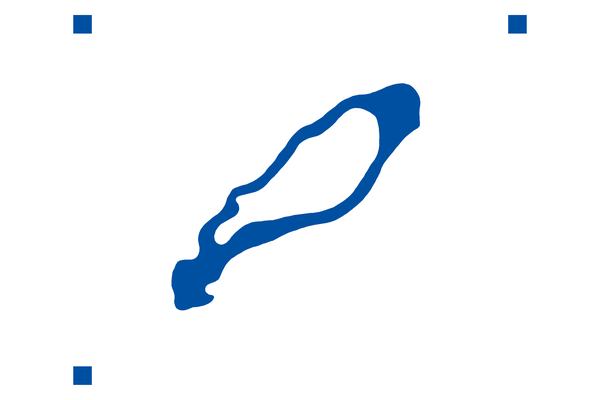
- StencilThe outline at full size, to cut from vinyl or stencil film.
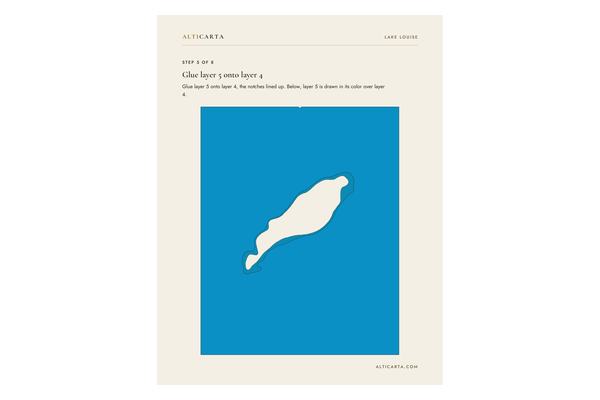
- Assembly stepsA PDF, one page a step, from the bottom layer up, each layer in its color.
- NameCut out of the top layer so the layer below shows through, with small bridges in letters like a, e and o.
- HeightmapsGrayscale pictures of the surface.
Choose what it is cut from
- Cardstock65, 80, 100 or 110 lb. The 8 layers of Lake Louise in 80 lb stack about 2.13 mm (0.08 in) tall.
- Layered vinyl decalA layer for each color, each cut with three small squares that line the layers up. We suggest ORACAL 651 colors, and any permanent adhesive vinyl works.
- Felt1 mm (0.04 in), on any Cricut with the Fine-Point Blade.
- Leather1.4 mm (0.06 in), on a Cricut Maker or Explore with the Deep-Point Blade.
- Chipboard and basswood2.0 mm chipboard (0.08 in) and 0.8 mm basswood (1/32 in), with the Knife Blade.
A real kit
The Lake Louise craft cutter kit, as we downloaded it from the Studio.
START HERE.txtThe layers in stacking order, with each color's hex code.Lake_Louise_layers.svgFor Cricut Design Space.DXFLayers in millimeters and in inches, for Silhouette Studio.StencilSVG and DXF.Lake_Louise_assembly_steps.pdfOne page a step.Depth stepsThe lake's depth steps as flat drawings.HeightmapsFour pictures and a scale file.LICENSE.txtHow you may use the files.
Estimated lakes
Every lake can be cut, estimated or surveyed. On an estimated lake the layers come from modeled depths, and its page says Estimated.
Lakes to start with
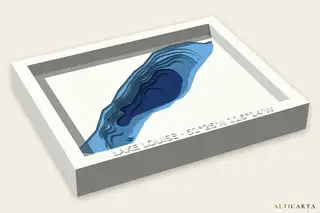 Lake LouiseAlbertaSurveyed68.6 m (225 ft) deep
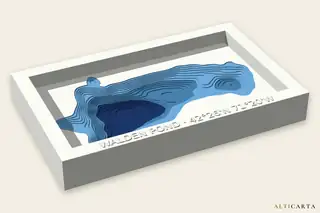 Walden PondMassachusettsSurveyed29.0 m (95 ft) deep
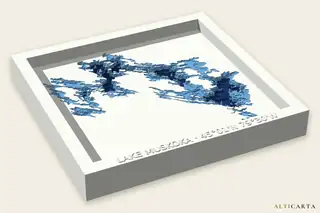 Lake MuskokaOntarioSurveyed70.0 m (230 ft) deep
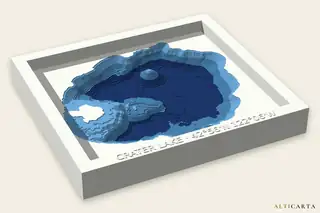 Crater LakeOregonSurveyed590.0 m (1,936 ft) deep
Cut one
Open a lake in the Studio with Craft cutter chosen and watch the layers stack up on screen. All it takes after that is a mat and some cardstock.